CLIENT SHARING
Send it to the client. Keep the record.
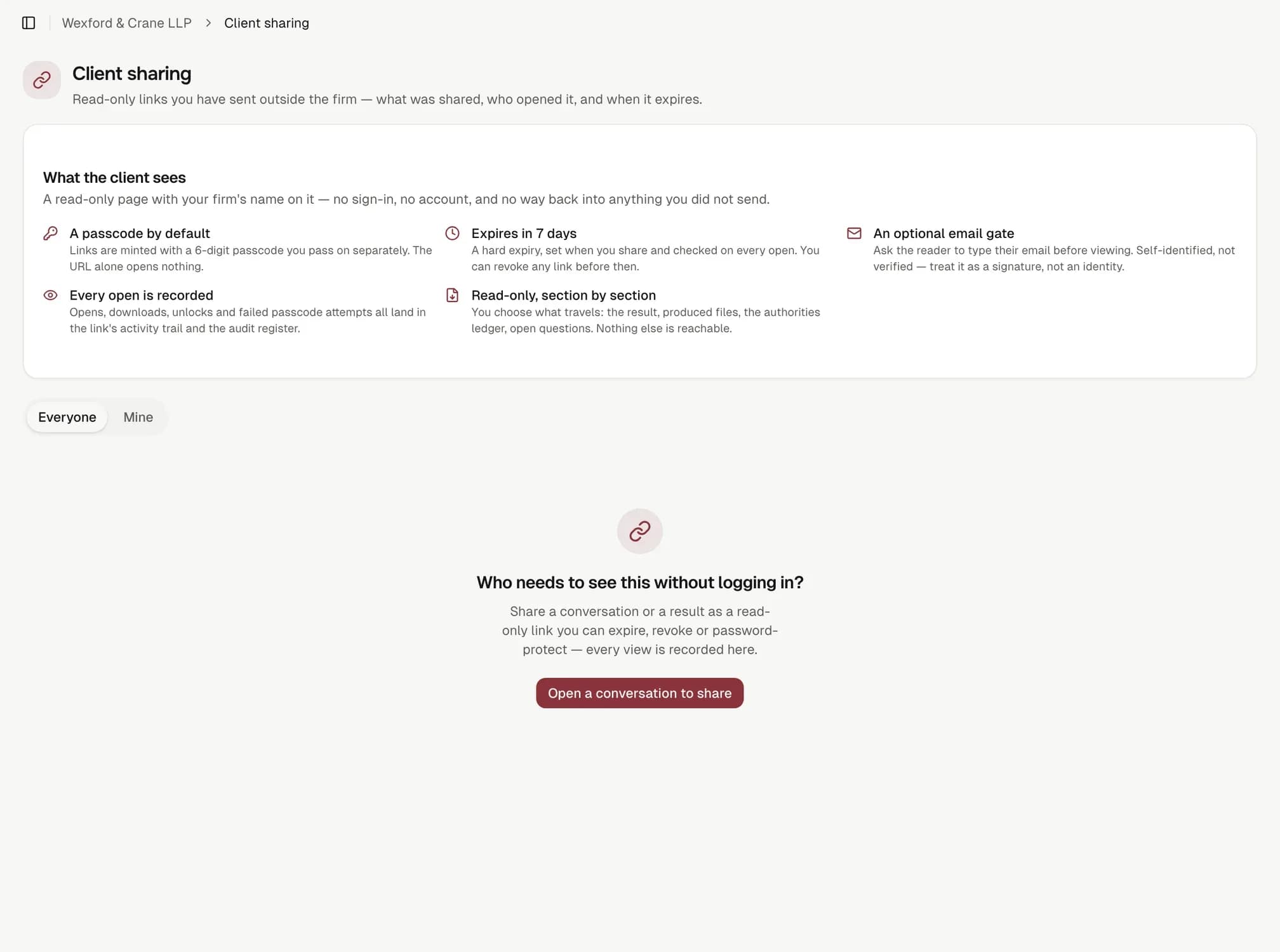
A read-only page with your firm's name on it. No sign-in, no account for the client, and no route back into anything you did not send.
Share link
Expires
7 days
Views logged
3
- client@calderfinch.exampleOpened, 09:14
- client@calderfinch.exampleOpened, 14:02
A share link with its passcode, expiry and view log.
6-digit
passcode by default, passed on separately from the URL.
7
days until expiry by default, with 30 and 90 available; checked on every open.
4
sections you choose to send: files, authorities, open questions, activity details.
Safe before you configure anything
A passcode by default, a hard expiry checked on every open, and an optional email gate: self-identified, not verified, and the product says so. Every open, download, unlock and failed attempt lands in the link's view log and the audit register.
Read the governance pageShare link
Expires
7 days
Views logged
3
- client@calderfinch.exampleOpened, 09:14
- client@calderfinch.exampleOpened, 14:02
The five defaults a link is minted with.
Choose what travels
The deliverable itself always shows. Files, authorities, open questions and activity details are yours to switch on: activity details is off by default, a considered choice rather than an oversight.
See how a run is builtShare link
Expires
7 days
Views logged
3
- client@calderfinch.exampleOpened, 09:14
- client@calderfinch.exampleOpened, 14:02
The four section toggles on a share dialogue.
For the IT partner
The URL token is a 32-character random string; only its SHA-256 hash is stored. The passcode is scrypt-hashed against a per-link salt and checked in constant time. A viewer who clears the gate carries an HMAC-signed cookie, not a client-set flag.
Read the security statementShare link
Expires
7 days
Views logged
3
- client@calderfinch.exampleOpened, 09:14
- client@calderfinch.exampleOpened, 14:02
The technical detail behind one link, for an IT partner to check.
How it works
- 01
Choose what travels
The deliverable always; files, authorities, questions and activity by choice.
- 02
Set the passcode and expiry
Six digits by default, seven days, checked on every open.
- 03
Send it, separately
The URL and the passcode travel by different channels.
- 04
Watch the log
Every open, download and failed attempt lands on the matter's register.
What it does not do
- An email gate is self-identified, not verified; treat it as a signature, not an identity check.
- If the firm's hold policy is on, a deliverable citing a failed authority cannot be shared externally until it is resolved or an owner overrides with a note.
- There is no route back into anything beyond what was explicitly shared.
Questions this page provokes
Send yourself a link and open it on your phone.
It takes about a minute, and it is the fastest way to see what your client will see.